Open checkout and create a sample sale
Use the cashier path to add items, complete a bill, then review what the counter workflow feels like for daily selling.
Browser trial
Open a safe sample shop, switch between admin, manager and cashier roles, ring up sales and inspect POS workflows before you put your own business data into anything.
No install. Sample shop data resets every hour.
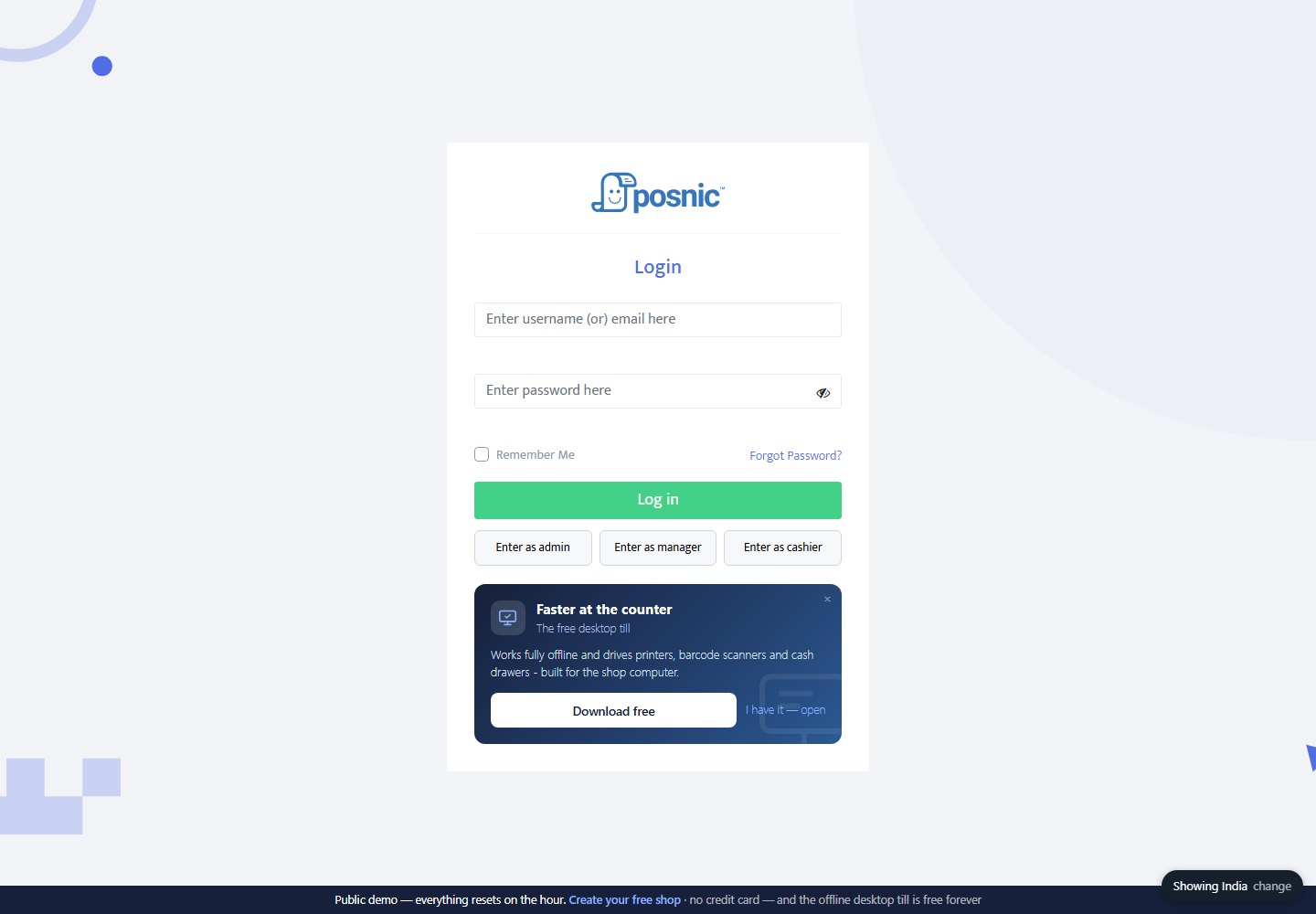
admin / admin
Managermanager / manager
Cashiercashier / cashier
Use the cashier path to add items, complete a bill, then review what the counter workflow feels like for daily selling.
Use admin, manager and cashier roles to see how owner tasks, supervisor tasks and counter tasks are separated.
Look at products, stock movement, categories, prices and reports before judging whether Posnic fits a retail counter.
The online demo is not a hardware test. Printers, barcode scanners, cash drawers, payment terminals, tax setup and backups need a real local acceptance run.
Trust through limits
Good POS evaluation separates a browser trial from shop readiness. Use the demo to understand workflow shape, then test the exact release, machine, devices and business rules you will actually use.
A browser demo cannot prove a thermal printer, barcode scanner, cash drawer, weighing scale or customer display in your shop.
Payment authorization, settlement, local tax compliance, e-invoice and auto-submission paths need country-specific verification.
An hourly-reset demo is not a full shift, power-loss recovery, backup drill, support SLA or production migration test.
Choose the next proof
The fastest path depends on what you are trying to prove: local offline billing, cloud access, setup help, or a specific workflow your business needs.
Install the free desktop edition on Windows, macOS or Linux and test checkout on the shop machine.
Create a cloud shop with demo data, branch defaults and a signed-in first visit so the trial feels useful immediately.
Tell us the business type, country, urgency and exact POS workflow. Feature demand becomes a product signal, not a forgotten chat.