Real product screens
Product tour: see Posnic before you install
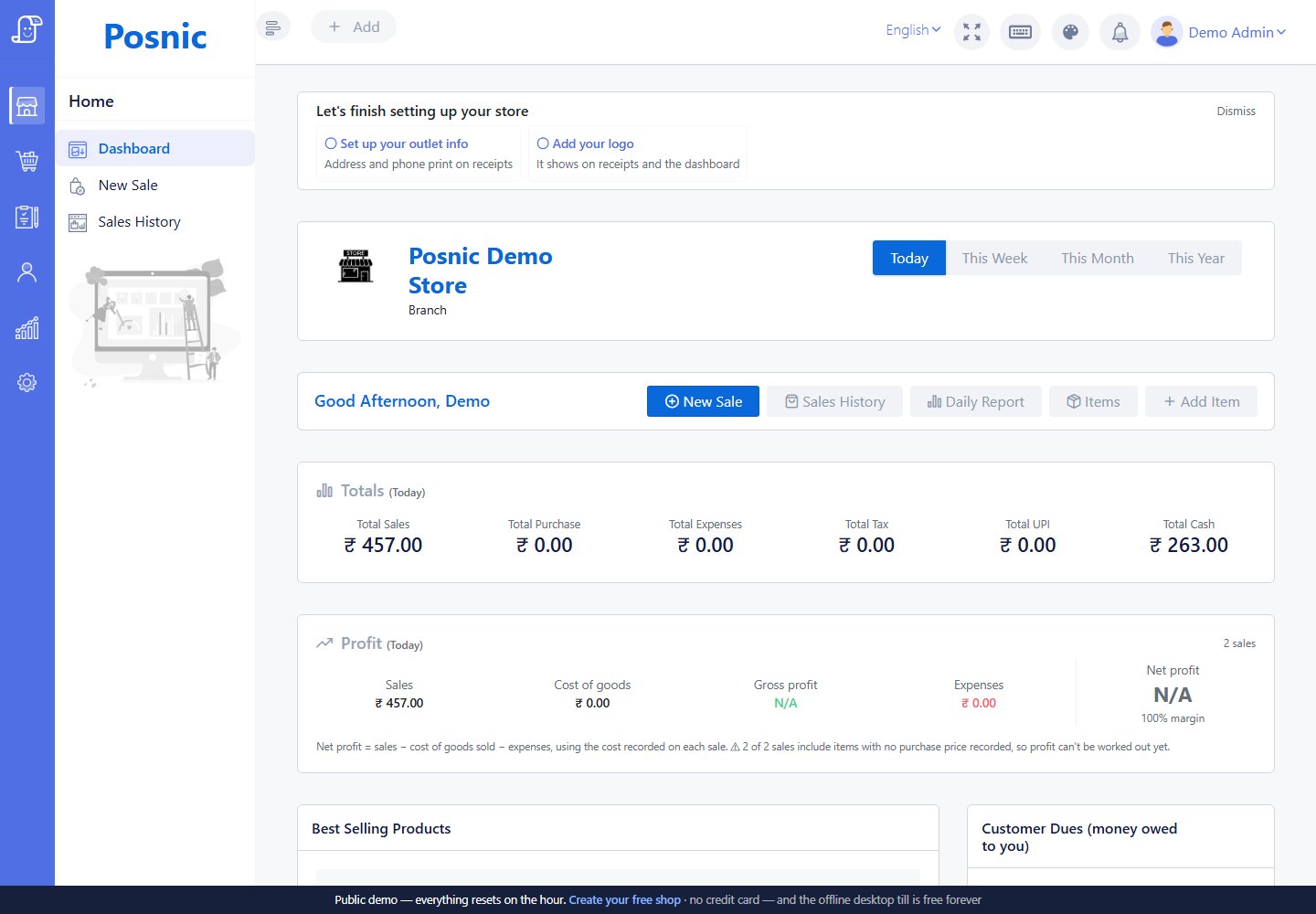
See the screens, then try the same direction in a browser demo or your own cloud shop. These product images cover the workflows owners ask about first: bill, stock, purchase, reports, import and offline sale.
Need the category model behind these screens? Read how a complete POS system works before comparing individual workflows.
Inside the product
Choose a workflow to inspect
Use the tabs to move through the application without opening six separate cards. The images stay at a stable size so the page does not jump while you compare screens.
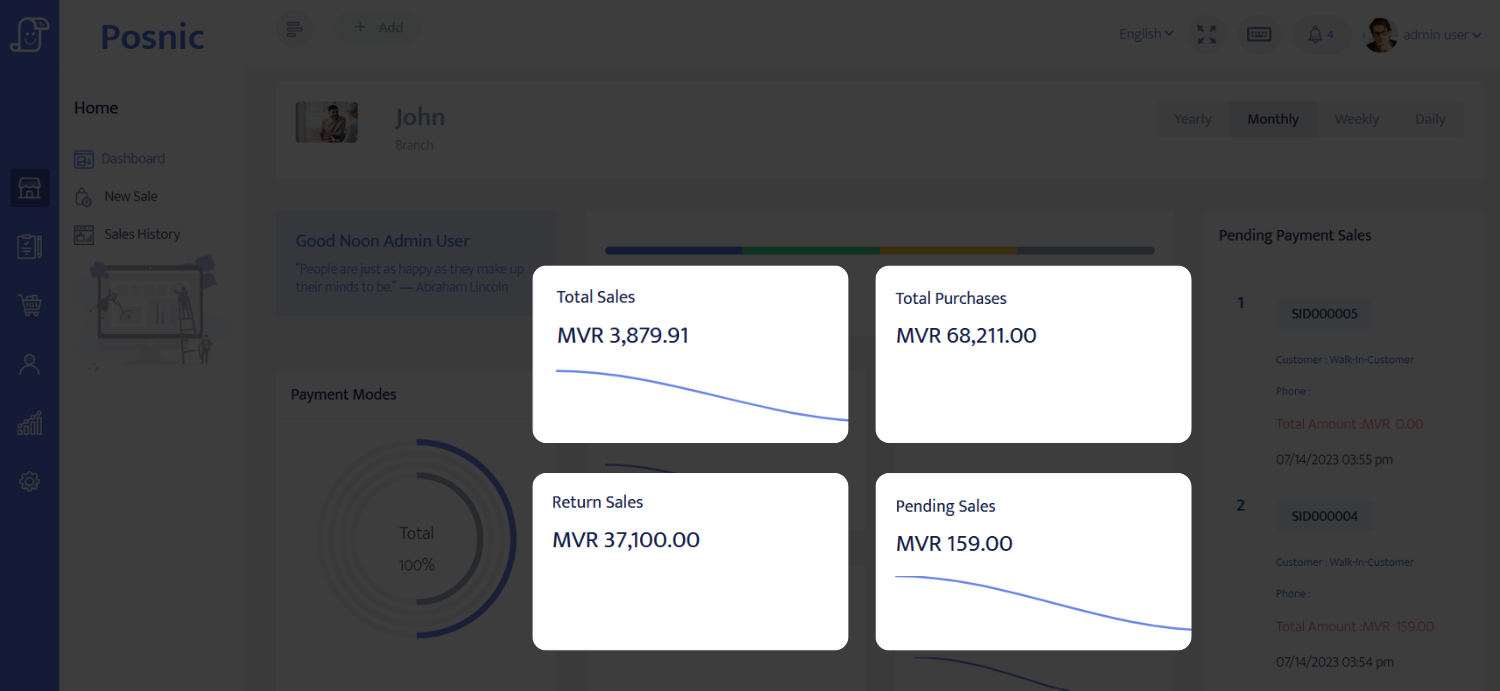
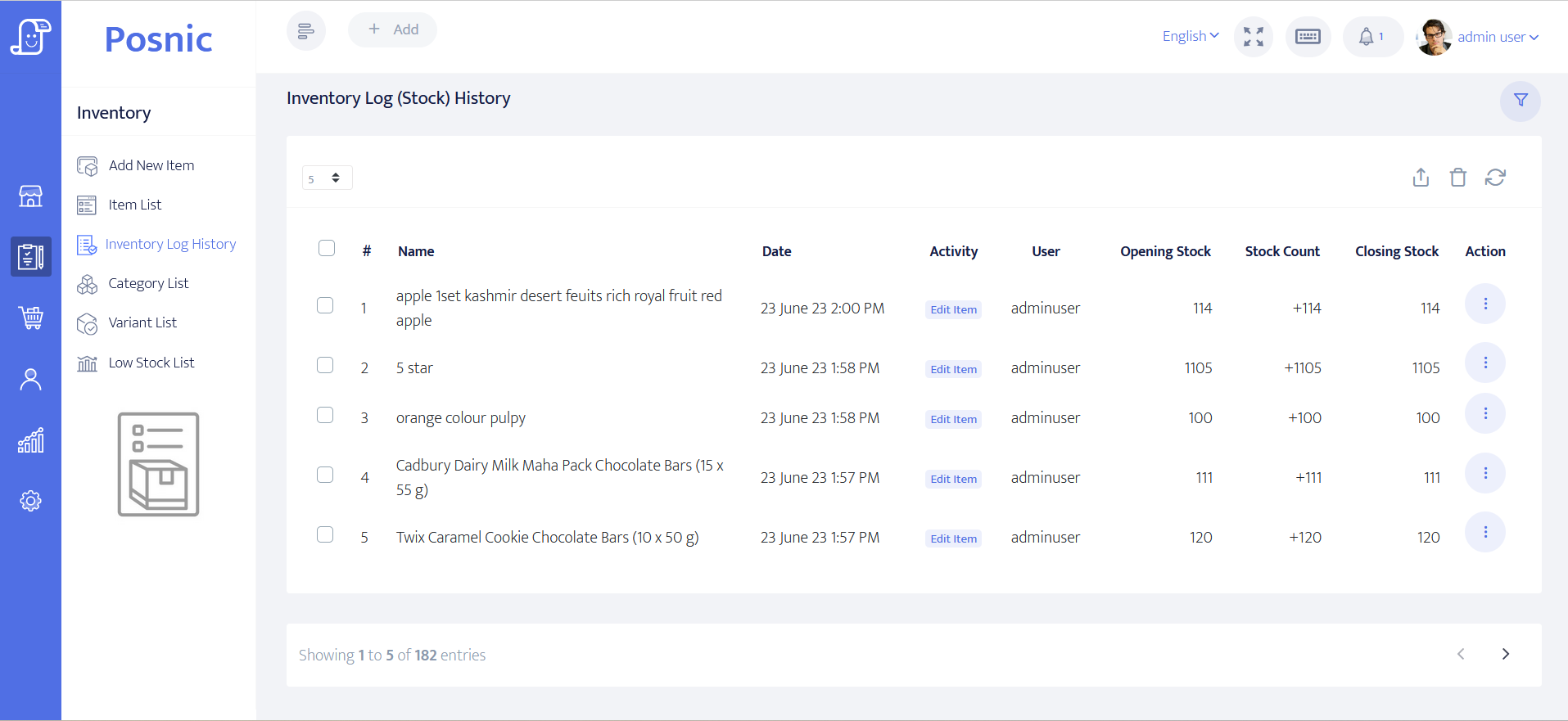
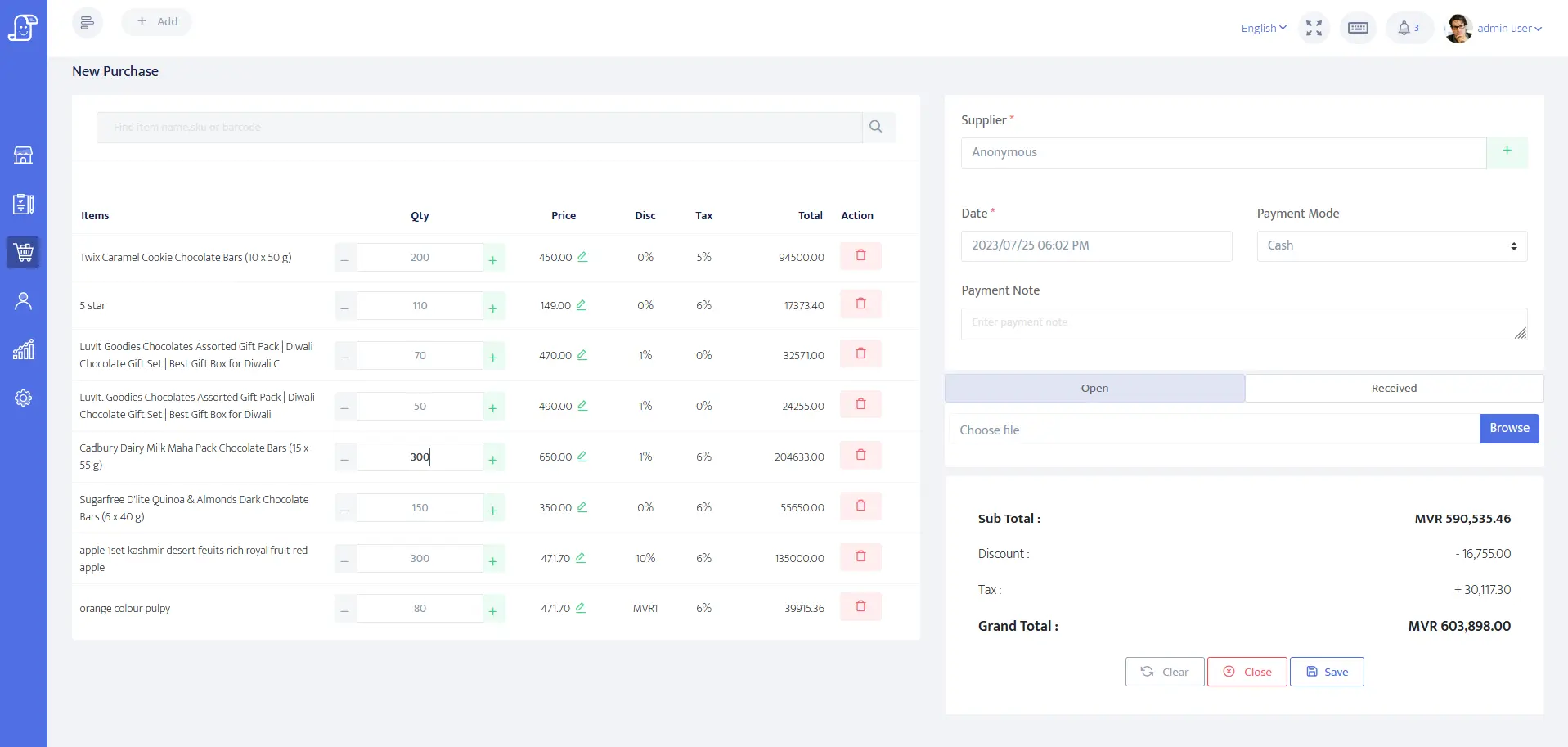
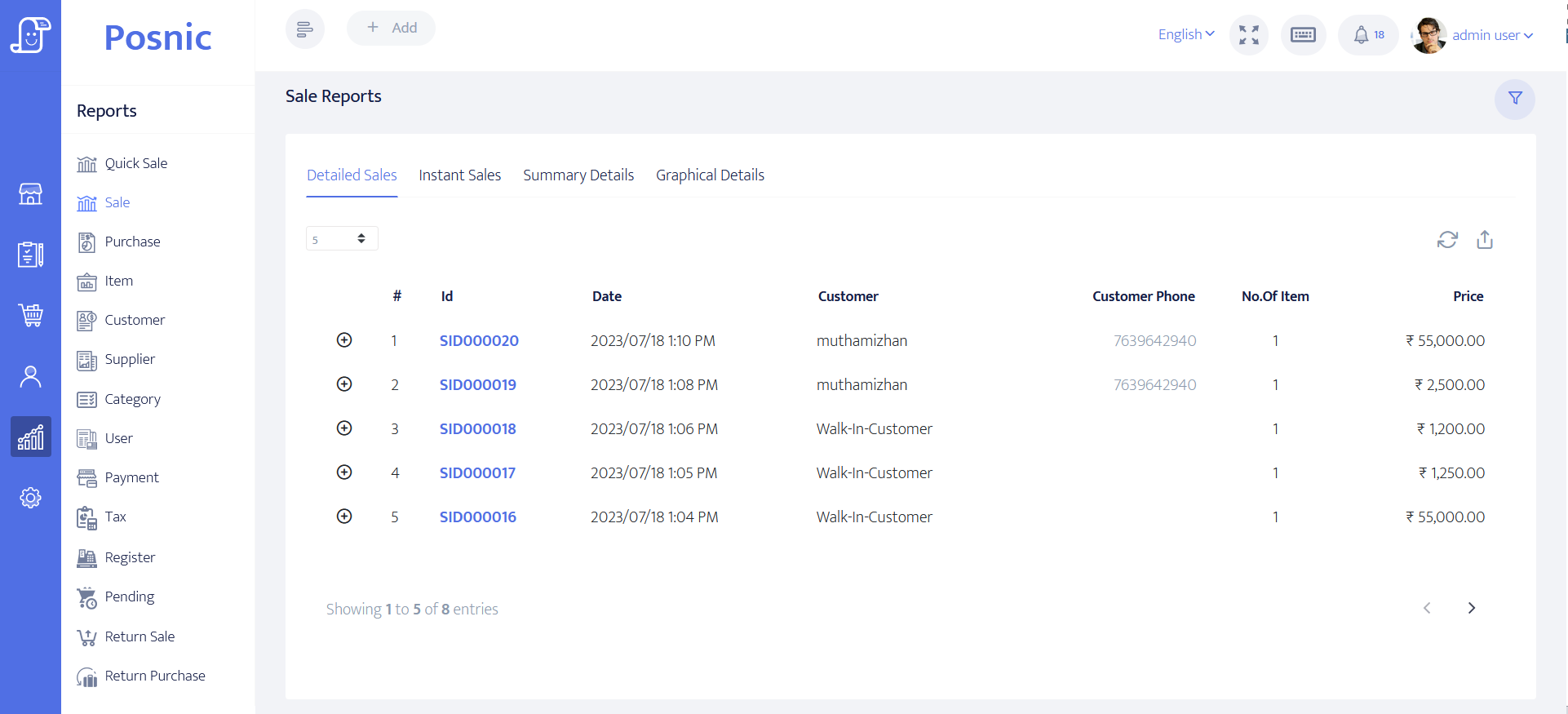
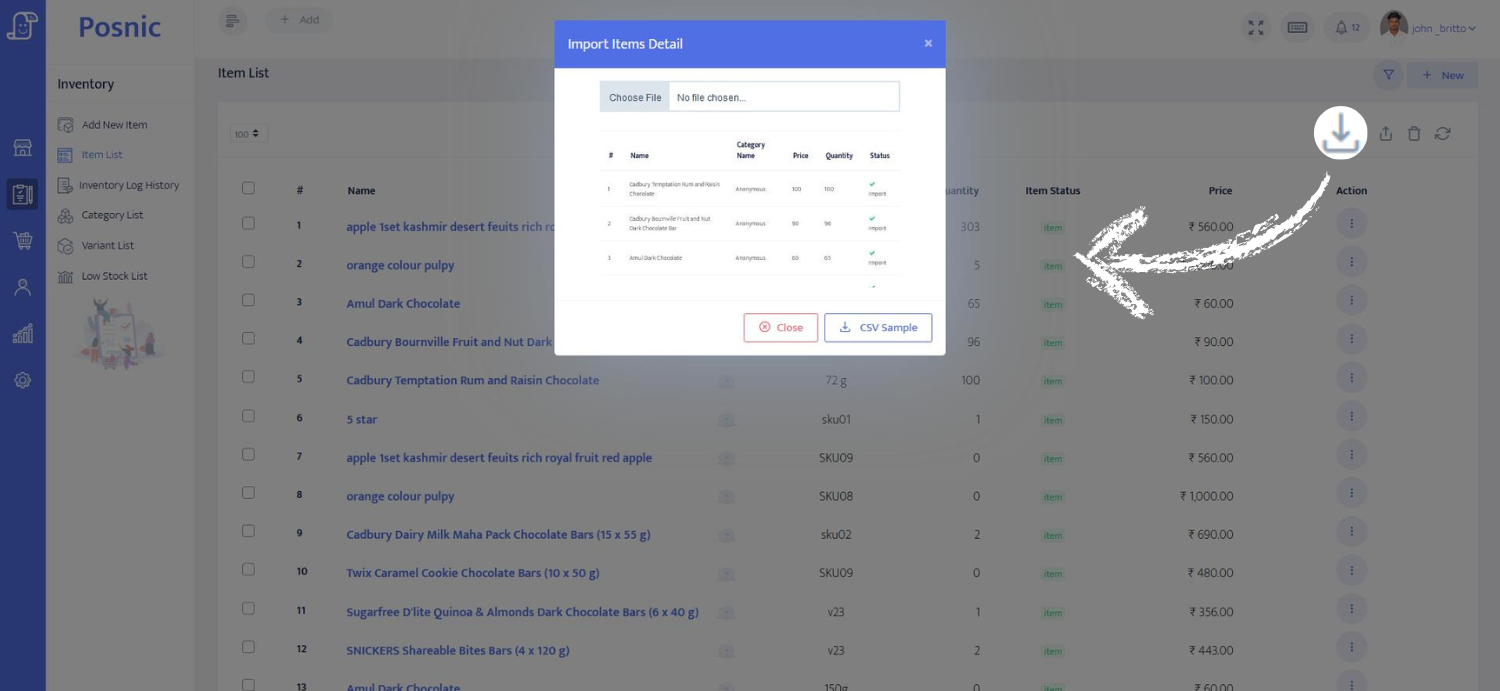
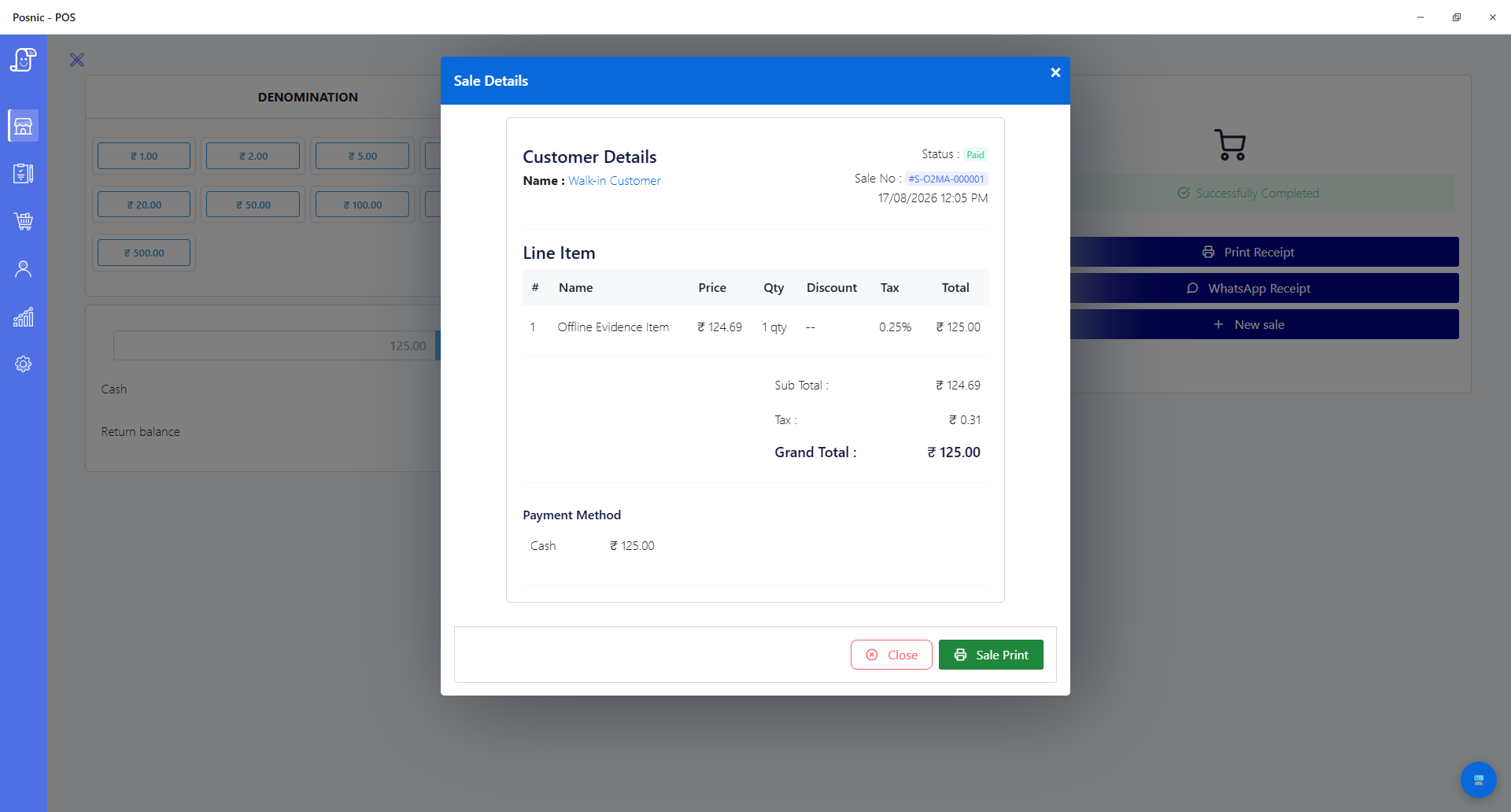
Evidence boundary: dashboard, inventory, purchase, report and import images are publisher product assets carried forward from the previous website; the offline-sale screen is archived local-runtime evidence. Screens can change between releases, and a screenshot is not a production acceptance test.
What you can verify here
Product evidence, with clear limits
Screens are useful for understanding workflow coverage. Try the browser demo, cloud shop or exact local release before treating any workflow as accepted for your counter.
Posnic is original software
The site now shows real application screens, not only marketing cards or keyword pages.
Daily shop problems are covered
Billing alone is not enough. Screens show reports, inventory, customers, purchase and import workflows.
A buyer can inspect before installing
Screenshots, live demo access, source code, docs and videos reduce fear before a shop owner downloads or asks for help.
Try the product
Move from screenshots to a working POS
Different buyers need different proof. A browser demo is quickest; a cloud shop is best for your own business name; the local app is best for offline counter testing.
Open the public demo
Use one-tap roles to inspect a safe sample shop before you share your own data.
Create your own cloud shop
Start with your shop URL, branch defaults and demo data so the first signed-in visit feels useful.
Install the local desktop POS
Test Windows, macOS or Linux on the same counter machine you would use when internet is unavailable.