Grocery checkout and stock control
Supermarket POS for barcode and weighed-item checkout
Test packaged and weighed goods from product setup through scanning, payment, stock movement and day-close reconciliation before the counter goes live.
Run the 18-record supermarket acceptance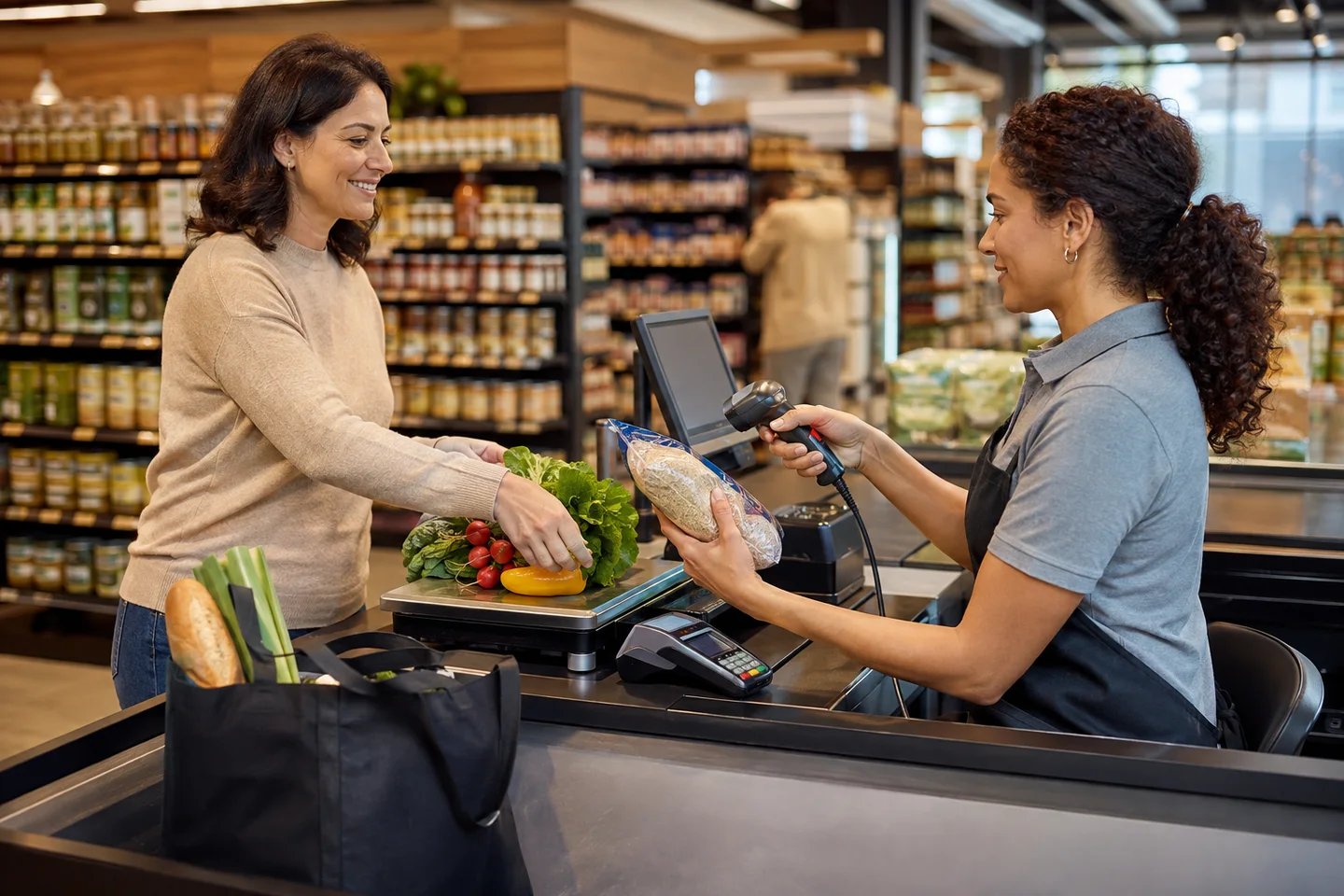
What the stable source establishes
This page was reviewed against published v1.9.0 at the current release source.
Focused reruns on 18 August 2026 passed 1,371 API unit tests in 17 suites covering item, inventory, stock-log and receiving-return models plus their service, helper, validation, controller, route and repository paths. Another 57 source and DOM tests covered quick item entry, weighed quantities, report lifecycle, kiosk visibility and sales call paths; six scale-parser tests also passed.
| Area | Passing tests | What that does and does not prove |
|---|---|---|
| Quick item entry | 12 | Posting, validation, grid entry and spreadsheet paste behavior; not a full catalogue migration. |
| Weighed-item precision | 12 | Display and editing retain appropriate decimal precision; no physical scale was used. |
| Weighed and counted quantities | 10 | Step, floor, decimal input and receipt-format values behave by unit type. |
| Report lifecycle | 10 | Charts wait for data, dispose safely and handle empty results; report totals were not benchmarked here. |
| Kiosk visibility | 10 | Branch configuration and failure handling control the kiosk column; no kiosk device was used. |
| Sales call paths | 3 | Referenced sales and quantity methods exist; this is not a simulated trading day. |
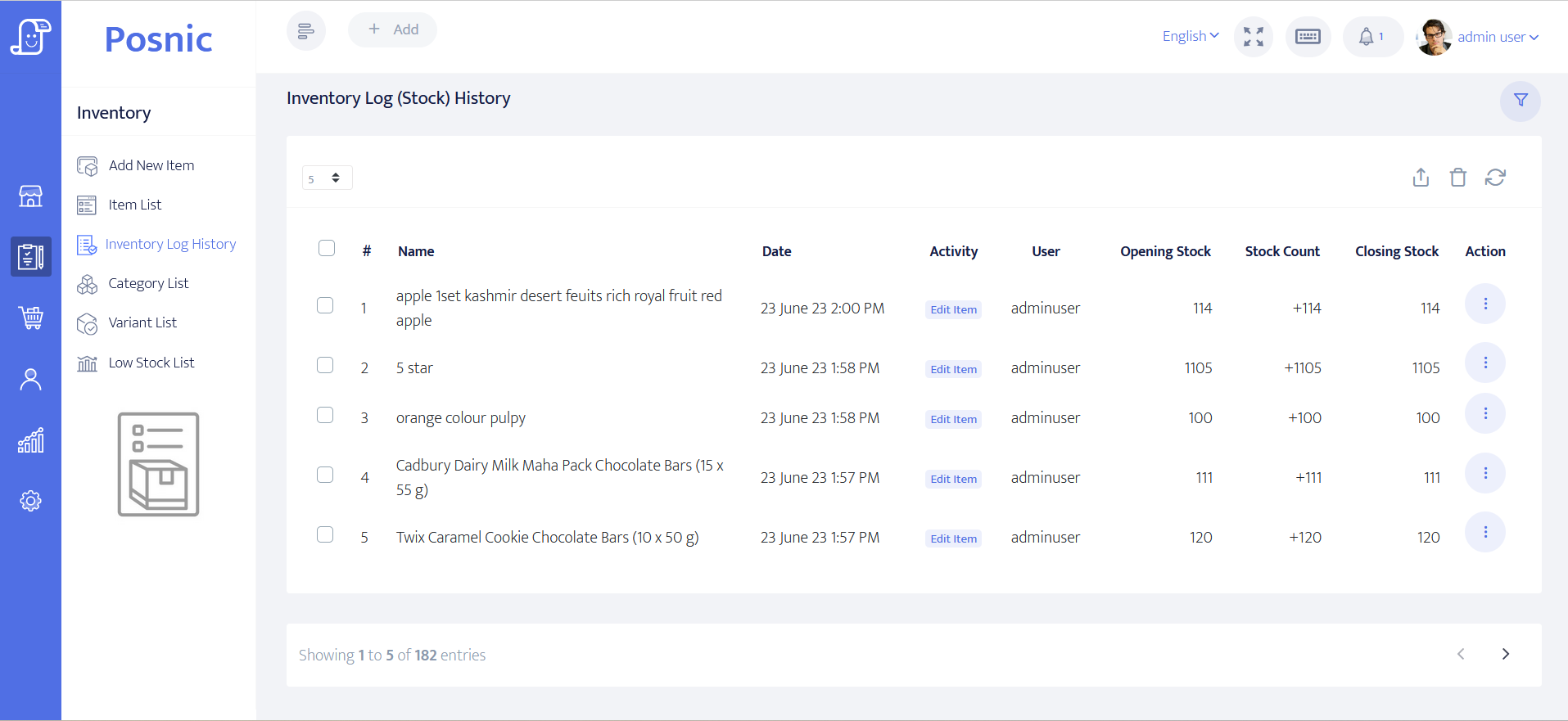
Stock control needs a traceable movement, not just a quantity
Sell and return
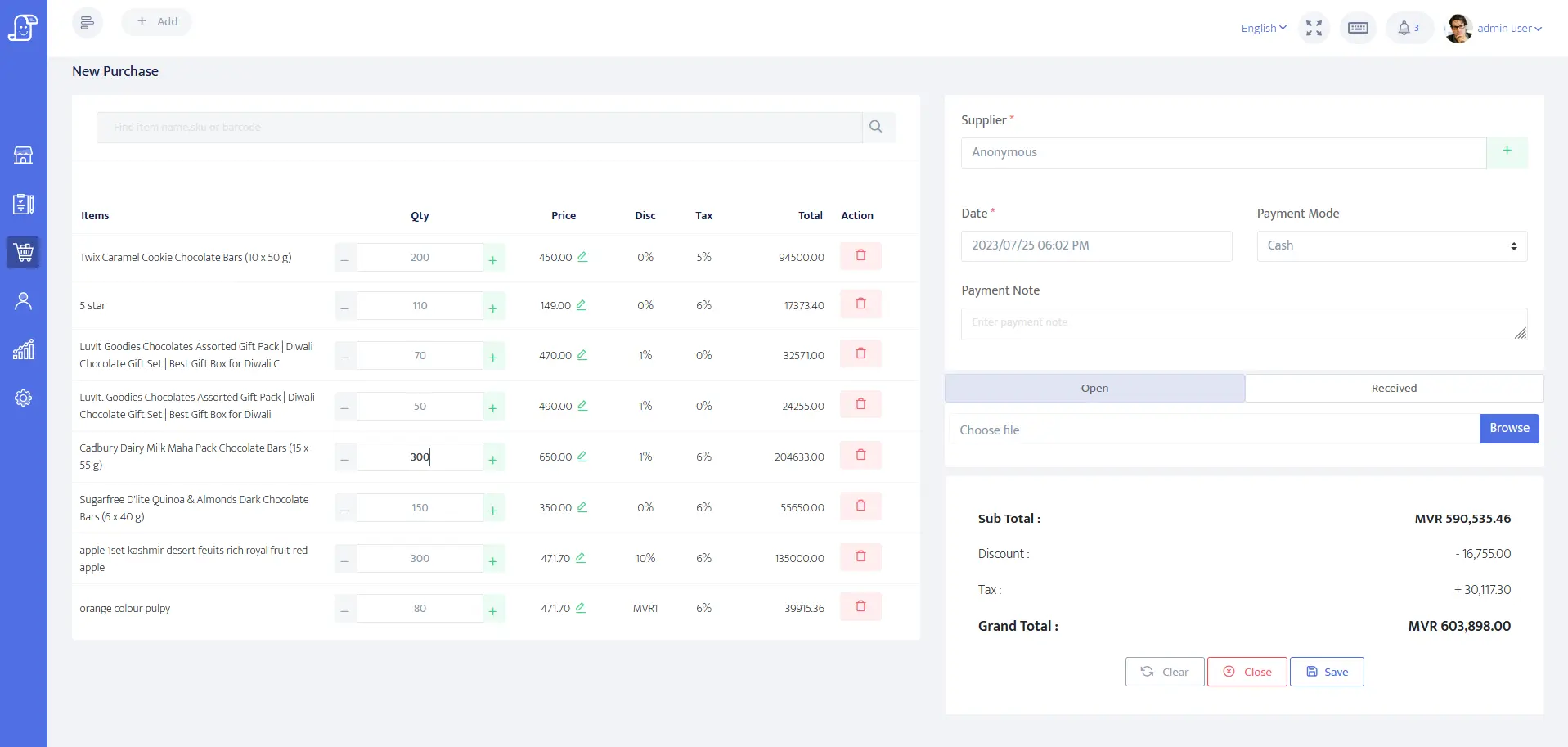
The user guide documents scanned or searched sales and return sales that reverse the sale and put stock back.
Receive and return purchases
Record incoming supplier stock and purchase returns so stock changes have a commercial source.
Review low stock
The low-stock list identifies items at or below their reorder level. It does not replace a physical count or supplier lead-time policy.
Barcode and weighing decisions before rollout
Use real barcode samples
GS1 identifies EAN/UPC as the common first choice for products scanned at retail POS and notes that variable data such as weight, batch or expiry may use other GS1 data carriers. Test the actual packaging, not a barcode typed from a list.
Plan, but do not assume, 2D readiness
GS1's retail programme is moving POS systems toward standards-based 2D barcode processing. A scanner decoding a QR or Data Matrix as keyboard text does not prove that the POS interprets every GS1 application identifier.
| Path | Published status | Store acceptance test |
|---|---|---|
| USB or Bluetooth keyboard-wedge scanner | Expected by standard; no named model physically certified. | Scan fast, slow, repeated, damaged and leading-zero labels into the sale screen. |
| Continuous-output scale | Essae DS, T-Scale and generic ASCII parsers are code-tested. | Compare several known weights, unstable readings, units and decimal places on the exact device. |
| Receipt printer and cash drawer | ESC/POS paths are code-tested; no physical device in the evidence run. | Print 58 or 80 mm receipts and test drawer kick, cutter, tax, long names and weighed lines. |
| Label printer | Not implemented in the pinned hardware matrix. | Use a separate label process; do not purchase hardware expecting Posnic shelf-label printing. |
| Integrated payment terminal | Not supported as a driven PIN-pad integration. | Document the separate provider workflow and reconcile terminal totals to POS tenders. |
Supermarket acceptance test
- Import or create a representative catalogue: packaged goods, loose goods, taxed and untaxed lines, variants, discounts and leading-zero barcodes.
- Receive a known supplier purchase, return one line and confirm both inventory movements and cost values.
- Run a queue test with search, scanning, held bills, cash, each separate payment provider and a customer return.
- Sell counted and weighed items together; compare scale display, entered quantity, unit price, receipt line and stock reduction.
- Count a sample shelf physically and reconcile it to on-hand stock and the inventory log.
- Close the register, compare expected and counted cash, and reconcile payment-mode totals with external terminals.
- Run the same sale during an external outage and verify the approved payment fallback and receipt path.
- Back up the result and restore it into a disposable environment before trusting the recovery plan.
Review the complete POS buying framework · Prepare import data · Plan backup and restore
Run an 18-record supermarket acceptance
Use one representative catalogue and one known operating day to follow packaged and weighed goods from item setup through receiving, checkout, returns, stock movement, closing and restore.
The worksheet records exact barcode samples, scale and printer models, payment providers, expected totals, observed results and accountable owners. A blank row or a source-test result is not a store acceptance.
Offline checkout has boundaries
A reproduced Windows archived evidence run run completed and reopened a local cash sale while external hosts were blocked inside Electron. Test the entire store arrangement before treating that result as continuity proof.
Local application
Restart, sign in, scan or search, complete a cash sale, reopen it, return it and inspect the stock movement.
Local devices
Keep the till, router, printer and scale powered. A working database does not prove a network printer or second counter remains reachable.
External services
Card, QR, wallet, cloud and remote services each have their own network dependency and reconciliation process.
Fit and non-fit checklist
Worth a controlled trial when
You need open-source local software for sales, returns, items, purchasing, stock logs, low-stock review, weighed quantities and standard business reports.
Validate or choose another system when
You require built-in label printing, certified scanner or scale models, automatic GS1 2D application-identifier processing, batch or expiry enforcement, regulated benefit tenders, integrated PIN pads, multi-site replenishment or a guaranteed regional compliance package not documented by Posnic.
Primary sources used
archived Posnic evidence
The stable release fixes the product, source and download boundary used for every claim on this page.
Pinned operating guide
The versioned guide documents sales, returns, purchases, inventory logs, low-stock review and backup behavior.
Pinned hardware matrix
The source-reviewed matrix separates expected standards from code-tested protocols and unsupported devices.
GS1 retail 2D guideline
Release 1.1.0 covers GTIN, Application Identifiers, dual marking, scanner and host processing, verification and store testing.
Legal metrology references
OIML R 76 defines international requirements for non-automatic weighing instruments. The 2026 NIST Handbook 44 is a current US example; stores must obtain the rule for their own jurisdiction.
PCI SSC terminal scope
Current primary guidance treats payment terminals as part of the cardholder-data environment and requires the applicable device controls.
Free local edition, optional cloud
The local desktop application is published under AGPL-3.0 with no trial clock. Cloud sync, managed off-site backup and remote dashboards are separate optional services.
Supermarket POS questions
Can Posnic scan supermarket barcodes?
Keyboard-wedge USB and Bluetooth scanners are expected by standard, not certified by named model. Test every symbology and scanner mode used by the store. Serial-mode scanners are not supported.
Can Posnic sell products by weight?
The source includes weighed-item handling and documented continuous-output scale protocols. Twenty-two weighed precision and quantity tests passed, but no physical scale was connected.
Does Posnic print supermarket shelf labels?
No claim should be made for that in archived evidence run. The pinned hardware matrix explicitly lists label printers as not implemented.
Does supermarket billing work without internet?
A Windows archived local cash sale was reproduced under Electron external-host isolation. External payments, cloud services, local network devices and hardware need separate tests.