Preserve evidence before changing the till
POS support and incident triage
When billing is blocked, choose the fastest safe route, protect the current records, separate Posnic from hardware and payment-provider dependencies, and send only the details needed to reproduce the issue.

Published policy, not a service-level guarantee
The pinned support policy states that +91 94941 11161 is on call by phone or WhatsApp at any hour when a shop cannot trade. Routine help is handled Monday to Saturday, 10:00 to 19:00 IST. Automated monitoring runs during those business hours.
No uptime percentage, guaranteed first-response time or repair time is offered here. No independent 24-hour response sample or customer ticket history was available in this review, so the page does not claim that every call was answered or every incident was resolved within a measured time.
Product and policy evidence was reviewed 18 August 2026 against stable release v1.9.0 and source commit archived source snapshot.
Choose the right support route
A blocked sale, a routine question and a suspected vulnerability need different evidence and handling.
Shop cannot trade
Call or WhatsApp when the application will not open, a sale cannot be recorded, or sales, stock or money appear wrong. State the shop, local time, affected counter and exact blocked task first.
Security concern
Send the affected release, impact and reproducible steps privately. The pinned security policy aims to acknowledge reports within 72 hours; that is a policy target, not a measured guarantee.
Routine help
Use email for account, billing, setup or paid-service questions. Reproducible public software defects can use GitHub Issues; general product questions can use Discussions. Neither route has an SLA.
Eight-step POS incident triage
The first goal is a reliable record of what happened. Fast repeated changes can erase evidence, duplicate a payment or make recovery harder.
| Step | Action | Record before continuing |
|---|---|---|
| 1. Protect | Pause the affected workflow if data, totals or payment status may be wrong. Keep customers and staff away from unsafe or damaged equipment. | Business impact, affected counters and the exact task that is blocked. |
| 2. Timestamp | Write down local date, time and time zone immediately. Photograph or capture the exact message without exposing customer or payment data. | First observed time, last successful action and exact error text. |
| 3. Separate | Determine whether the symptom belongs to the Posnic application, computer, local database, printer or scanner, internet, Cloud, or payment provider. | What still works and what fails on each counter or dependency. |
| 4. Preserve | Keep the application log, current data state and latest backup available. Do not uninstall, delete the database or overwrite a backup while the cause is unknown. | Release, operating system, log path, backup time and recent changes. |
| 5. Contain | Use the least disruptive approved fallback. For uncertain electronic payments, check the processor or acquirer record before retrying. | Fallback owner, affected transaction references and customer handling decision. |
| 6. Recover | Try one controlled change at a time. Prefer a reversible restart, cable or queue check, supported reinstall-over-current-data path, or provider escalation before a data restore. | Action, owner, start time, result and any new symptom. |
| 7. Reconcile | Before normal trade resumes, compare POS records with cash, receipts, payment-provider outcomes, stock and the last known-good totals. | Missing, duplicate or corrected records and manager approval. |
| 8. Close | Retain the cause, correction, affected scope and a preventive action. Rehearse recovery if the event exposed a gap. | Closure time, evidence reference, owner and follow-up date. |
What to include in the first message
Useful incident facts
- Posnic release and operating system.
- Local date, time and time zone.
- Exact error text and the action immediately before it.
- Affected branch, counter, user role and business task.
- Last successful sale, print, close, sync or backup time.
- Recent update, configuration, data, network or device change.
- Exact hardware model or payment provider where relevant.
- Backup status and a reference to the relevant application log.
Do not send in ordinary email or chat
- Passwords, PINs, recovery keys or API secrets.
- Full card numbers, security codes or magnetic-stripe data.
- An entire customer database when a narrow record will do.
- Unredacted customer identity or staff data that is not needed.
- A public vulnerability report before private triage.
Ask for an approved secure transfer route before sending sensitive evidence. A support request should identify the minimum evidence needed, who may access it and when it will be removed.
Match the symptom to the responsible system
A POS screen can display the symptom even when the failed dependency belongs to a computer, device, network or payment provider. Record that boundary before assigning blame or repeating a risky action.
| Symptom | First boundary to check | Safe evidence and next decision |
|---|---|---|
| Posnic will not open | Computer, application process and local database startup. | On Windows preserve %APPDATA%\posnic\app.log, note the release and recent update, restart once if safe, and do not uninstall first. |
| Sale will not save | Application validation, database health and the exact item or payment path. | Record the error, last successful sale and representative input. Stop repeated writes if corruption is suspected. |
| Receipt will not print | Printer power, paper, queue, cable, driver, interface and exact model. | Keep the sale number and print result. A source-level printer test is not certification of the physical device. |
| Scanner or scale is wrong | Device mode, symbols or frame, keyboard layout, cable and driver. | Keep the exact make, model, configuration and sample identifier or stable weight. Test the physical device planned for production. |
| Card or digital payment is uncertain | Processor, acquirer, terminal and network before the POS record. | Check the provider outcome before retrying. Reconcile authorization, settlement, refund and POS references. |
| Internet or Cloud is unavailable | Separate local billing from provider payments, messaging, sync, dashboard and support dependencies. | Test each required task. One reproduced sale with external hosts blocked inside Electron was not a router, power or full network-disconnection test. |
| Sales, stock or totals look wrong | Identify whether the issue is display, transaction, correction, import, report or stored data. | Preserve current data, log and backup state. Reconcile a small known set before editing or restoring. |
| Computer or disk failed | Replacement device and an off-machine backup. | A same-disk backup does not survive disk loss. Use a verified restore copy and re-enter machine-bound credentials and device settings. |
What the current evidence does and does not prove
52 focused source tests passed
At the archived pinned source, 52 tests passed across backup-path containment, security-model documentation, support log paths, update channels, backup-before-update sequencing and update settings.
Boundary: source tests did not reproduce a customer incident, physical device failure, real payment outage or support response.
One local sale was reproduced
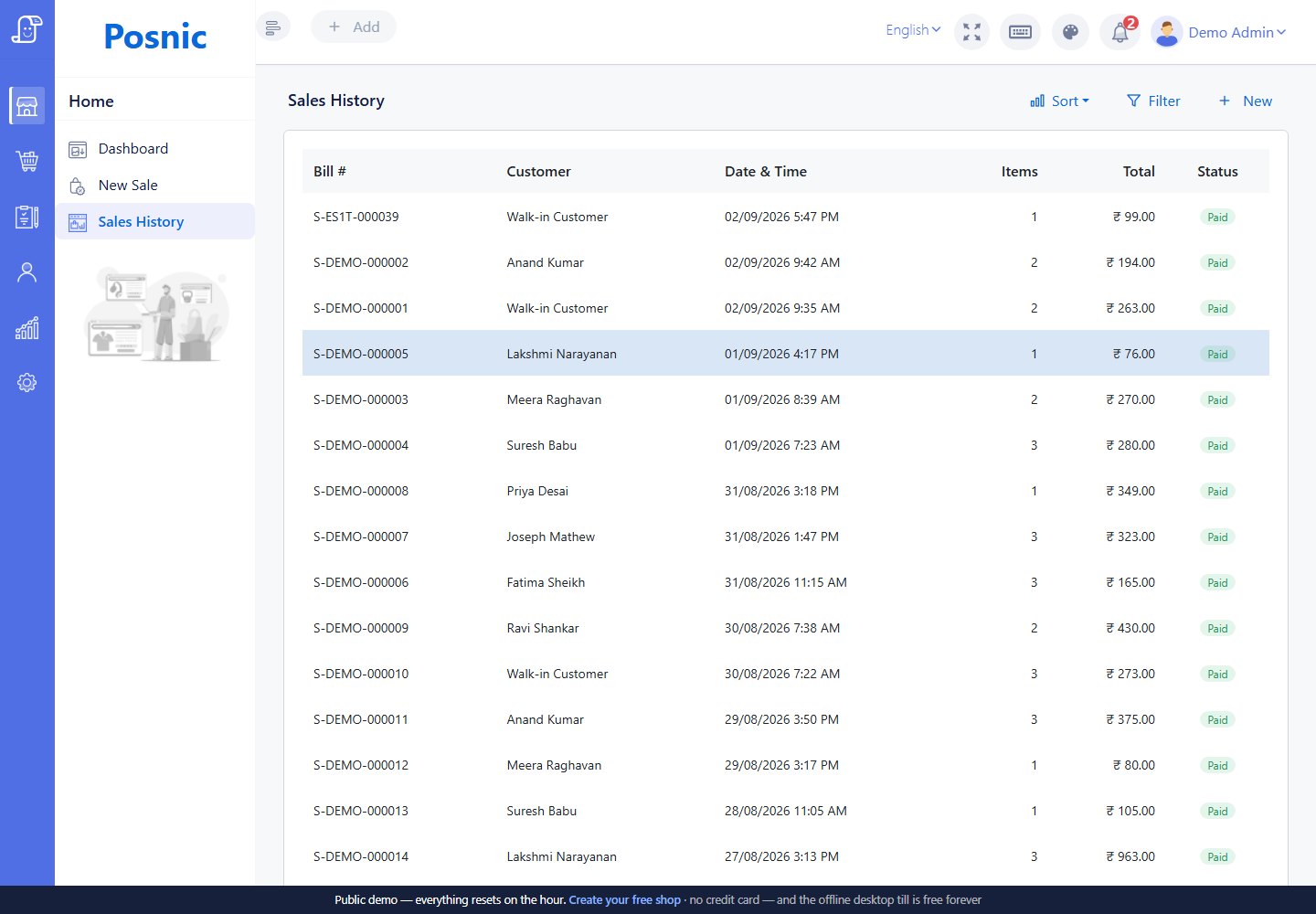
Synthetic cash sale S-O2MA-000001 was saved and reopened on Windows while external hosts were blocked inside Electron.
Boundary: this was not an operating-system-wide network outage, full trading day, physical receipt or customer recovery event.
One synthetic restore passed
A disposable backup restored 20 collections and 53 documents with matching source and destination counts.
Boundary: it was not a production database, failed disk, timed customer recovery or proof of every backup being restorable.
Support and version boundaries
| Area | Pinned policy states | What this review does not establish |
|---|---|---|
| Latest release | Receives fixes, security fixes and answers to questions. | No guaranteed delivery date or observed response distribution. |
| Previous minor | Receives security fixes until the next minor release ships. | No promise for older releases or every operating-system dependency. |
| Windows | Windows 10 and 11 64-bit are documented as supported and tested. | No certification of every computer, policy, driver or attached device. |
| macOS and Linux | Packages are built and published but documented as tested far less. | No parity claim with the Windows evidence run. |
| Urgent contact | Phone or WhatsApp is published as on call at any hour when a shop cannot trade. | No SLA, guaranteed response time, repair time or independent availability audit. |
| Routine contact | Business hours are Monday to Saturday, 10:00 to 19:00 IST. | No one-business-day promise is made on this page. |
| Monitoring | Automated monitoring runs during business hours. | Outside those hours an incident may first be known when a shop reports it. |
| Local edition | The documented local architecture has no expiring licence check or required Posnic server for local billing. | Payment, messaging, Cloud, update and support dependencies do not become offline. |
Backup and recovery decisions
Before an incident
The pinned backup policy documents a default daily schedule at 22:00 while the application is running, a configurable schedule, on-demand backup and a forced backup before an update. Focused source tests verify that the backup is sequenced before shutdown and that a failed backup prevents that update from installing.
A default backup in Documents\Posnic-Backups is on the same disk as the application data. It can help with mistakes but not with theft or disk loss. Keep an off-machine copy and test a restore on a separate device.
During recovery
Restoring replaces current database contents with the chosen backup. Anything recorded after that backup can be lost. Establish the affected scope, copy the current state, identify the last known-good backup and obtain an accountable go or no-go decision before restoring.
After recovery, verify representative sales, stock, users, reports and settings, then reconcile cash and payment-provider records. A backup is useful only when it can be retrieved and restored correctly.
Keep an 18-record support and incident file
The blank worksheet covers the incident clock, business impact, release, symptom, last successful action, recent change, payment, network, hardware, backup, logs, data handling, fallback, severity, ownership, correction, reconciliation and closure. It starts blank so a published template cannot be mistaken for a real incident or a successful recovery.
Do not put passwords, card data, unnecessary personal data or confidential evidence in this worksheet. Store sensitive material in an approved access-controlled system and reference it by identifier.
Primary incident and recovery guidance
Posnic support lifecycle
Read the exact version, platform, contact-hour and monitoring statements used by this page.
Posnic security policy
Use the private reporting route and review the local-machine threat boundaries and audit limitation.
Posnic recovery policies
Review backup contents, same-disk limitations, restore effects, recovery targets and drills that remained unperformed in the pinned source.
NIST SP 800-61 Rev. 3
NIST places incident response inside preparation, detection, response and recovery risk management rather than treating it as one emergency call.
CISA ransomware guidance
CISA recommends preserving volatile evidence and logs, validating backups and documenting response activity before destructive recovery steps.
PCI breach boundary
PCI SSC says a suspected card-account breach follows payment-brand and law-enforcement notification processes rather than being reported to PCI SSC itself.
POS support questions
Is Posnic support guaranteed 24 hours a day?
The published support policy states that urgent calls or WhatsApp messages are answered at any hour when a shop cannot trade. This page does not present that policy as an SLA: no guaranteed response or repair time is offered, automated monitoring runs during business hours, and no independent 24-hour response sample was available for this review.
What should I include in a POS support request?
Include the Posnic release, operating system, local time and time zone, exact symptom or error, affected counter or task, last successful action, recent changes, hardware or payment provider involved, backup status and relevant log reference. Never send passwords, payment-card data or unnecessary personal data.
Should I restore a POS backup as the first troubleshooting step?
Usually no. Preserve the current data and logs, establish whether data is actually damaged, identify the last known-good backup and understand that a restore replaces current data. Try the least destructive verified recovery step first and reconcile records before reopening.
Does the local Posnic edition require Posnic servers to record a sale?
Pinned product documentation states that the local database and API run on the shop computer without a licence-expiry check or required Posnic server. Provider payments, messaging, cloud sync, remote dashboards, updates and support can still depend on networks or third parties and must be tested separately.
Where should a Posnic security vulnerability be reported?
Report a suspected vulnerability privately to security@posnic.com with the affected version, impact and reproducible steps. Do not put a security issue or sensitive evidence in a public GitHub issue.
Does this page prove local onsite POS support in my country or city?
No. The contacts on this page are Posnic remote contact routes. This page does not claim a local office, technician, hardware-repair network, guaranteed arrival time or onsite service in any country or city.