Retail POS billing
Retail POS billing built around the counter
Test real item lookup, barcode scans, receipts, returns and stock movement before rollout. Keep tax, payments and exact hardware as separate approvals.
Check scanners and printers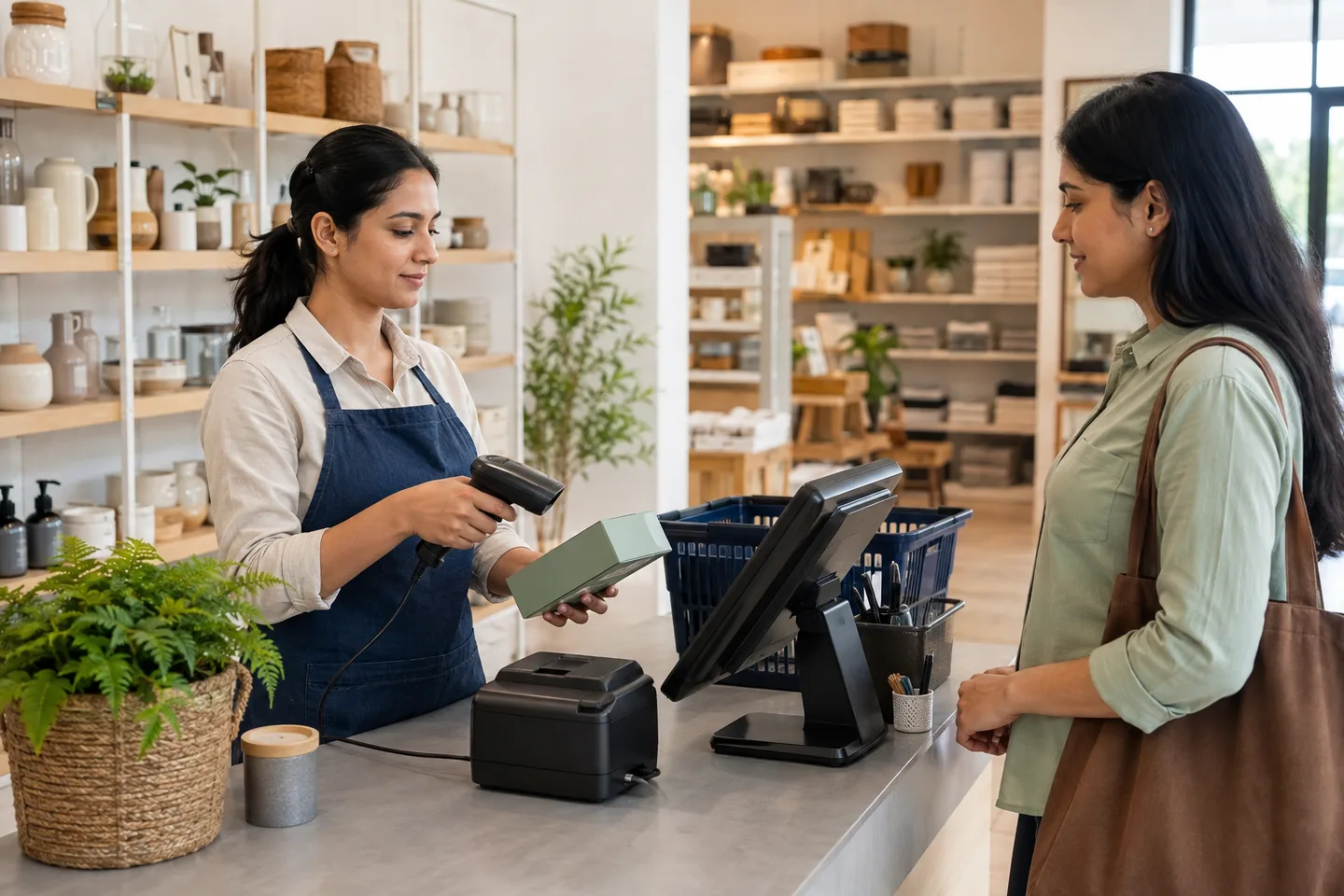
What the buyer is really deciding
Barcode-ready billing
Retail counters need quick item lookup, barcode scanning and reliable price control during queues.
Stock discipline
Every sale, return, purchase and adjustment should leave a trace so the owner can trust stock numbers.
Simple staff routine
Cashiers should not manually calculate tax, stock or discounts. The POS should guide normal selling and flag exceptions.
Decision guide
| Retail need | Owner risk | Setup rule |
|---|---|---|
| Barcode billing | Slow queues and wrong item selection. | Clean product names, barcode fields and fast item search before launch. |
| GST receipts | Incorrect tax on bills. | Create tax groups and test inclusive/exclusive price behavior. |
| Purchase receiving | Stock starts wrong and stays wrong. | Receive supplier purchases instead of editing stock manually. |
| Returns | Refunds can hide cash or stock mistakes. | Define return rules and manager permissions. |
| Reports | Owner cannot see fast movers or low stock. | Review daily sales, item movement and payment summaries. |
Safe setup path
- Clean product names, categories, barcodes, selling prices and tax groups.
- Load a sample of fast-moving items before importing everything.
- Connect barcode scanner and receipt printer, then test a busy-counter sale.
- Train staff on sale, return, held bill, discount and payment modes.
- Review item-wise reports after the first live day.
Questions buyers ask
What should retail POS billing software include?
It should include fast billing, barcode support, stock movement, purchase receiving, returns, GST receipts, payment reports and daily close controls.
Can Posnic work for grocery, textile and hardware shops?
Yes. The same retail workflow can be configured for different product types and counter routines.
Should a retail shop start with all features on day one?
No. Start with billing, tax, products, stock and reports. Add advanced workflows after staff are comfortable.