Official files, integrity checks and acceptance evidence
Free POS billing software download: verify before the till
Use the official release, match its SHA-256 value, read the signing warnings and test the exact counter workflow before putting business data into any free POS download.
Evidence and review scope
Evidence reviewed 2026-08-28. The official GitHub release, exact public release manifest, current operating-system security documentation and Posnic source at commit 53f24d7508b56053bcf30fe0e0d9e2c7eda09740 were reviewed together.
Stable release: v1.9.0, source commit 53f24d7. A matching hash proves that the downloaded bytes match the published value; it does not prove that the program is secure, suitable for one shop or independently audited.
Four checks before a free POS download reaches a till
Provenance
Start at Posnic's canonical download page and follow its link to the tagged GitHub release. A familiar file name copied to another site is not equivalent provenance.
Integrity
Compute the downloaded file's SHA-256 value and compare every character with the value published for that exact version and file name.
Platform
Match operating system and processor architecture. Windows packages are x64, macOS has Apple Silicon and Intel variants, and Linux packages target x86_64 or amd64.
Trust signal
Read signing and notarization status before bypassing an operating-system warning. Current Windows and macOS packages are signed, macOS packages are notarized, and Linux packages remain unsigned.
Operating cost
Free software price does not pay for hardware, setup, training, backups, updates, providers, support or downtime. Budget those separately.
Acceptance
A clean hash and successful launch do not prove billing fit. Run representative sale, return, receipt, stock, role, outage, restore and export tests before go-live.
Current Posnic v1.9.0 package boundary
| Platform | Official package choices | Published trust status | Buyer action |
|---|---|---|---|
| Windows | x64 installer EXE or x64 portable EXE | Signed in the stable manifest. | Verify the exact SHA-256 value, use the official publisher route and test on a non-production machine first. |
| macOS | Apple Silicon or Intel DMG; Apple Silicon or Intel ZIP | Signed and notarized in the stable manifest. | Choose the processor correctly, verify SHA-256 and follow current Apple safety guidance. |
| Linux | x86_64 AppImage or amd64 Debian package | Unsigned in the stable manifest. | Verify SHA-256, check distribution compatibility and test permissions, desktop integration, printing and updates. |
| All platforms | SHA256SUMS.txt plus the tagged release page | The checksum list is a separate release asset. | Keep the release URL, file name, local hash, published hash and comparison result with the acceptance record. |
What each download signal proves and does not prove
| Signal | What it supports | What it cannot establish |
|---|---|---|
| Canonical download and tagged release | The file was obtained through the publisher's stated distribution route for a named version. | That the binary is vulnerability-free, correctly configured or suitable for the business. |
| Matching SHA-256 | The local bytes match the bytes represented by the published value, assuming the value came from a trusted route. | Publisher identity, code quality, absence of malware or safety of running the program. |
| Code signature | A valid signature can bind an artifact to a signing identity and reveal post-signing alteration. | That every signed program is safe or that a new file already has operating-system reputation. |
| Apple notarization | Apple checked a submitted app for known malicious content and records the notarization result. | A complete security audit, business-workflow acceptance or future absence of vulnerabilities. |
| Public source commit | Reviewers can inspect the source pinned for the published evidence and attempt a reproducible build. | That a downloaded installer was independently reproduced from that commit unless a separate build-verification record exists. |
| Download click or asset request | A visitor requested a download route or release asset. | Installation, first sale, active usage, retention or a successful shop rollout. |
Verify the downloaded file
- Open posnic.com/download.html, note the stable version and follow the link for the correct operating system and architecture.
- Download SHA256SUMS.txt from the same tagged release and identify the line for the exact file name.
- On Windows, run Get-FileHash with SHA256; on macOS use shasum -a 256; on Linux use sha256sum against the downloaded path.
- Compare the full value, not only its first or last characters. Letter case can differ, but every hexadecimal character must match.
- If the value differs, do not run the file. Delete it, download again from the official route and investigate any second mismatch.
- Read the current signature or notarization status and the exact operating-system warning. Do not describe an unknown-reputation warning as proof of safety or malware.
- Preserve the release URL, file name, file size, local hash, published hash, time and reviewer in the deployment record.
- Install into a clean test profile before copying products, customers, credentials or live business data.
Run a post-install POS acceptance pack
- Record installation time, warnings, dependencies, first-launch behavior and the exact operating-system build.
- Create separate cashier and manager roles and prove that restricted return, void, discount and close actions are denied or approved as intended.
- Load representative products, taxes, prices, payment modes, customers and opening stock; reconcile imported and rejected rows.
- Complete sale, split payment, held bill, return, void, discount, receipt reprint and day-close cases with expected totals.
- Use every required physical printer, scanner, drawer, scale and display repeatedly, including disconnect and reconnect behavior.
- Interrupt the relevant internet, LAN or local-service path during billing, printing and close; reconcile errors and duplicate risk after recovery.
- Create an off-device backup and restore it into a separate clean profile, measuring time and checking sales, stock, users and settings.
- Export products, customers, stock, sales and adjustments and open each file in a neutral tool with row and field reconciliation.
- Rehearse an update and rollback while preserving data, configuration and the previous package.
- Name the owners for cashier incidents, hardware, backups, updates, security, providers, tax review and the final stop/go decision.
Keep a 20-record download verification log
Record the release route, exact file, platform, bytes, SHA-256, trust status, operating-system decision and post-install acceptance evidence. A blank or failed row remains a named go-live gap.
Inspect the application after verifying the package
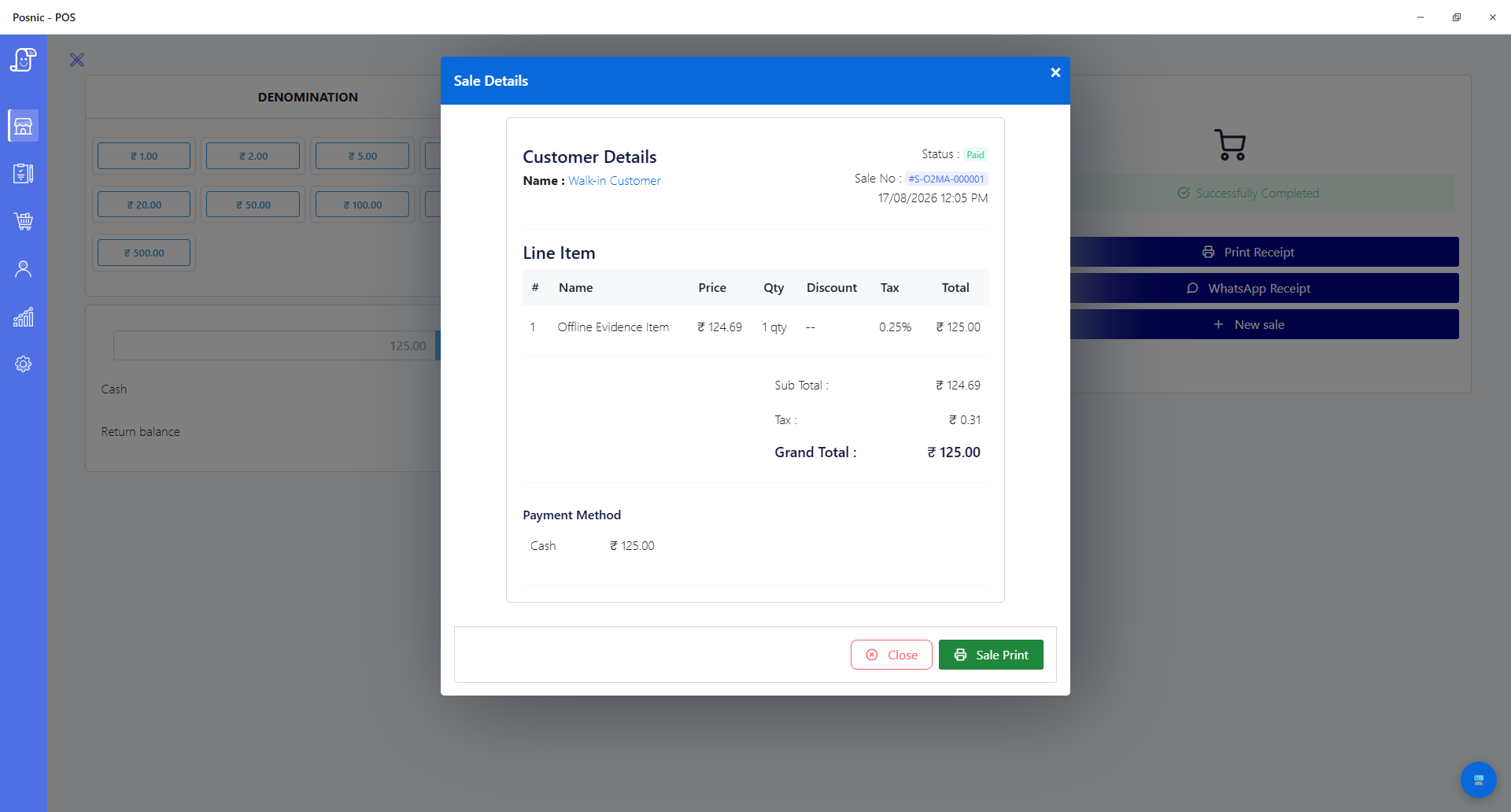
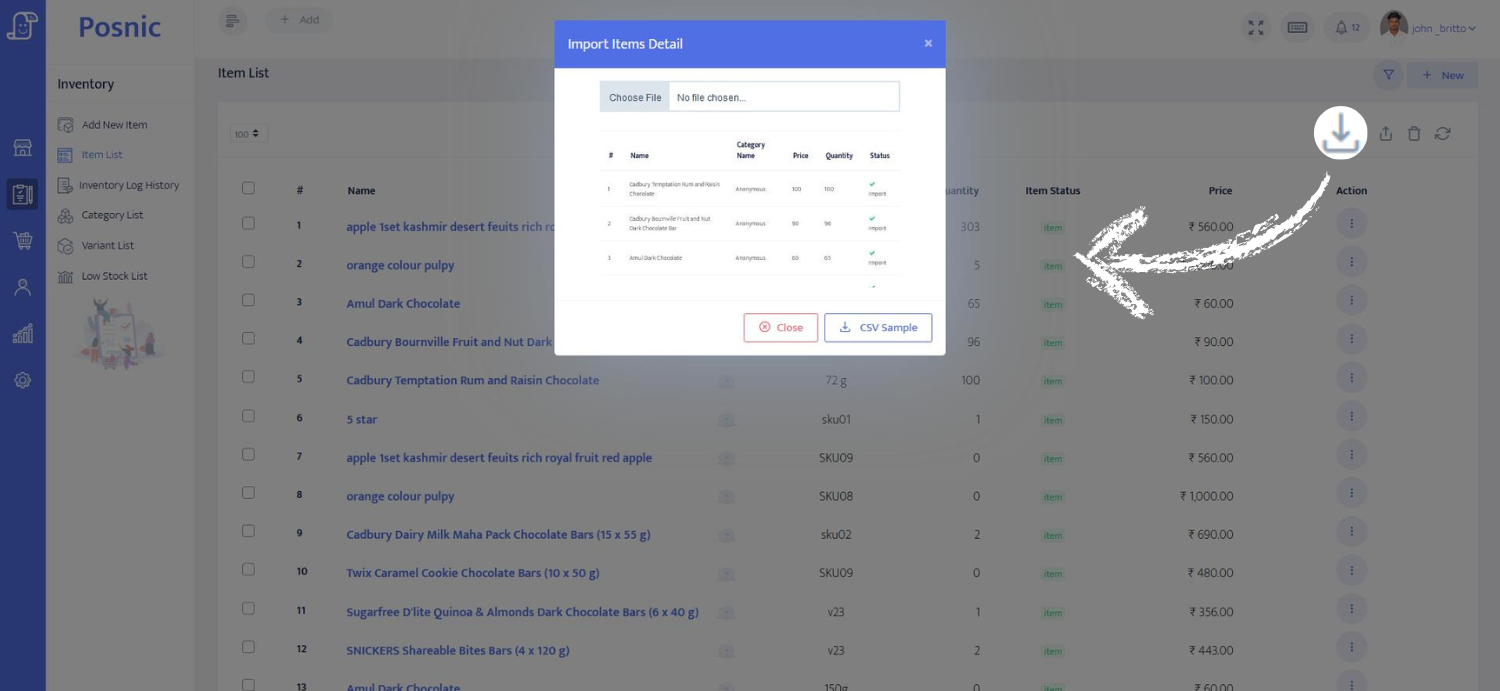
Questions buyers ask
Can I download Posnic POS billing software without a trial clock?
The current local desktop release is offered without a Posnic account or trial clock. Optional Cloud, setup and support services are separate, and the business still owns hardware, backup and operating costs.
Should I use a cracked or repacked POS installer?
No. A crack or third-party repack breaks the publisher's release provenance and may change the executable. Use the canonical Posnic download route, tagged GitHub release and published SHA-256 values.
Why can Windows warn about or block the Posnic installer?
The current Windows installer and portable EXE are signed, but reputation systems or organization policy can still warn about newly downloaded software. Verify the source and hash, then follow your policy.
Why can macOS block Posnic?
The current macOS packages are signed and notarized. If macOS still warns, verify the source, architecture and checksum before making any trust decision.
Does a matching checksum prove Posnic is secure?
No. It proves that the local file matches the bytes represented by the published checksum, assuming the checksum was obtained through a trusted route. It is not an independent security audit or suitability test.
Does a download count equal an installation count?
No. A website click or GitHub asset request does not prove installation, first sale, active usage or retention. Those outcomes must be measured separately and with an appropriate privacy boundary.
Primary sources used
Posnic release manifest
Machine-readable file names, byte sizes, SHA-256 values, architectures and signing/notarization status used by the website.
Microsoft file hashing
Official Get-FileHash documentation explains SHA-256 computation and comparison.
Microsoft SmartScreen
Current official app-reputation guidance explains publisher and file-hash reputation signals plus Windows 11 Smart App Control boundaries.
Apple Gatekeeper
Official Apple guidance explains signing, notarization, warnings and explicit override risk.
NIST SSDF
NIST SP 800-218 PS.2 recommends making software release-integrity verification information available to acquirers.