Small-business POS evaluation
Choose a POS around the way your shop works
There is no universal best POS for every small business. Test your real items, returns, stock, devices and day close before you commit.
Compare candidates with the buyer scorecard
Evidence and review scope
Evidence reviewed 2026-08-28. Fresh Google and Bing suggestion capture for six small-business POS seeds, a current English-language result review, official NIST, PCI SSC, GS1 and CISA guidance, and release-pinned Posnic runtime evidence.
Stable release: v1.9.0, source commit 567a176. Autocomplete is not search volume, the result review is not an independent product ranking, and the reproduced Posnic runs used synthetic data with explicit interface, hardware, payment, recovery and production limits
A compressed API counter session passed 49 checks across 12 sales, 20 sold units, one return, stock reconciliation, payment labels, reporting and register close. Separate bounded runs covered inventory and packaged backup restore; their results are not added together as one score.
Publisher disclosure: Posnic Innovations Private Limited makes Posnic POS. This page explains a buyer method and Posnic's bounded evidence; it does not independently rank vendors or claim that Posnic is best for every small business.
Start with business fit, not a winner label
Fit is a workflow
A grocer, repair counter, cafe and appointment business can need different items, receipts, returns, staff controls and devices. Write the awkward tasks and peak conditions before comparing products.
Price is a system
Model software, hardware, setup, training, support, payment processing, add-ons, renewal and exit. A zero-price entry can still have a higher operating cost, while a subscription can include work you would otherwise own.
Proof survives the demo
Use the same sample data and test script for every finalist. Keep screenshots, exports, provider records, restore results and unresolved exceptions so a polished demonstration does not become the acceptance decision.
Compare the decisions that change the answer
| Decision area | Question to answer | Evidence to keep | Stop condition |
|---|---|---|---|
| Counter workflow | Can staff sell, correct, return, close and explain exceptions at the required speed? | Timed pilot records, receipts, role logs, close report and exception list. | A mandatory task depends on an undocumented workaround. |
| Payments | Which provider authorizes, captures, settles and refunds each tender? | Written rates, contract, terminal model, POS reference, provider reference and settlement result. | The POS label is treated as proof that money settled. |
| Catalog and stock | Can representative items, receiving, sales, returns, counts and adjustments reconcile? | Import results, item identity, movement ledger, physical count and signed variance. | Quantity changes cannot be traced to a business event. |
| Hardware | Will the exact operating system, printer, scanner, drawer, scale, display and terminal work? | Model, interface, driver, firmware, test result, fallback and owner. | Compatibility is inferred from a generic device category. |
| Operating model | What remains available when internet, cloud, provider or local components fail? | Dependency map, outage drill, queued-work behavior, recovery record and communication path. | Offline is claimed without task-by-task evidence. |
| People and support | Who configures, approves, patches, trains and responds when the counter stops? | Role matrix, support scope, escalation contacts, response target and business workaround. | No named owner can restore service or make an exception decision. |
| Total cost and contract | What will the planned volume cost through setup, operation, renewal and exit? | Multi-year cost model, processing assumptions, add-ons, renewal terms and cancellation path. | A comparison uses only the advertised software price. |
| Recovery and exit | Can the business restore and independently use its records? | Off-machine backup, clean restore, neutral export, row and total reconciliation, retention decision. | The only usable copy depends on the failed system or vendor account. |
What archived Posnic evidence establishes
| Evidence set | Observed result | What remains unproved |
|---|---|---|
| Counter session | 49 of 49 assertions passed across 12 synthetic sales, 20 sold units, one return, INR 2,622 net sales, stock reconciliation, reporting and a closed register with zero open sessions. | It was a compressed HTTP API and MongoDB run, not the packaged interface, a clock-length shift, customer data, physical cash, hardware or payment processing. |
| Inventory lifecycle | 21 of 21 assertions passed; 100 opening units plus 20 received minus two sold plus one returned reconciled to 119, and duplicate sale or return replays did not move stock twice. | It did not exercise a packaged screen, scanner, concurrent tills, a physical count or a full trading day. |
| Backup and restore | The published Windows portable package backed up and drop-existing restored 20 collections and 53 synthetic documents; 14 of 14 path-security tests passed and a post-backup item was removed. | The small compressed EJSON backup was unencrypted; no damaged media, disk loss, second computer, off-site repository, production database, RPO or RTO was tested. |
| Price and source | The local edition is documented at USD 0 with no timed trial or Posnic account, and Posnic's own source is AGPL-3.0-only. | Hardware, setup, support, payment processing and optional cloud can cost money; the packaged bundle also includes MongoDB Community Server under SSPL-1.0. |
| Acceptance boundary | The public evidence gives a reproducible starting point and explicit failure conditions for a small-business pilot. | It is publisher-supplied, not an independent security audit, customer outcome, country-specific tax approval, hardware certification or universal suitability result. |
Build a small-business shortlist in eight passes
- Describe the business before the product: sales channels, locations, staff, peak volume, catalog shape, tax and receipt rules, payments, devices and exception workflows.
- Separate mandatory gates from useful extras. A candidate that fails a mandatory return, payment, stock, permission, outage or recovery task does not recover through a larger feature count.
- Choose the operating model deliberately: local, cloud, hybrid, self-hosted or managed. Name who owns updates, monitoring, backups, recovery, connectivity and support.
- Calculate a multi-year total cost using the planned transaction volume, average ticket, registers, locations, hardware, processing, add-ons, support, renewals and exit work.
- Load the same representative catalog and opening stock into every finalist, including variants, awkward identifiers, discounts, returns and zero-stock cases.
- Run the same controlled shift with each finalist and keep independent payment, stock, cash, receipt and report evidence rather than accepting screen output alone.
- Interrupt dependencies, restart components, restore an off-machine backup and export required data while the pilot is still disposable.
- Record failures, owners, workarounds, training time and rollback conditions; approve go-live only after unresolved exceptions are explicitly accepted.
Run one controlled shift before go-live
- Open the register with known cash using separate cashier and supervisor accounts.
- Sell representative ordinary, variant, discounted and awkward-code items through the exact counter hardware.
- Complete cash and each real electronic tender, then retain independent provider authorization and settlement references.
- Void a line, correct a completed transaction, return part of a sale and reject an unauthorized exception.
- Receive known stock, count a variance and reconcile every quantity change from opening to closing.
- Interrupt each required network or service dependency and document counter behavior, warning, queued work and recovery.
- Close the shift and reconcile sales, returns, cash movements, physical cash, provider totals, stock and open transactions.
- Create an off-machine backup, restore to a disposable target, export required records and sign the exception and rollback decision.
Keep one 24-control buyer record
The blank worksheet covers business fit, capacity, catalog, tax, roles, sales, payments, returns, stock, closing, outages, hardware, recovery, data exit, security, total cost, training and pilot approval. Its observed-result fields are intentionally empty.
Inspect real surfaces, then prove the workflow
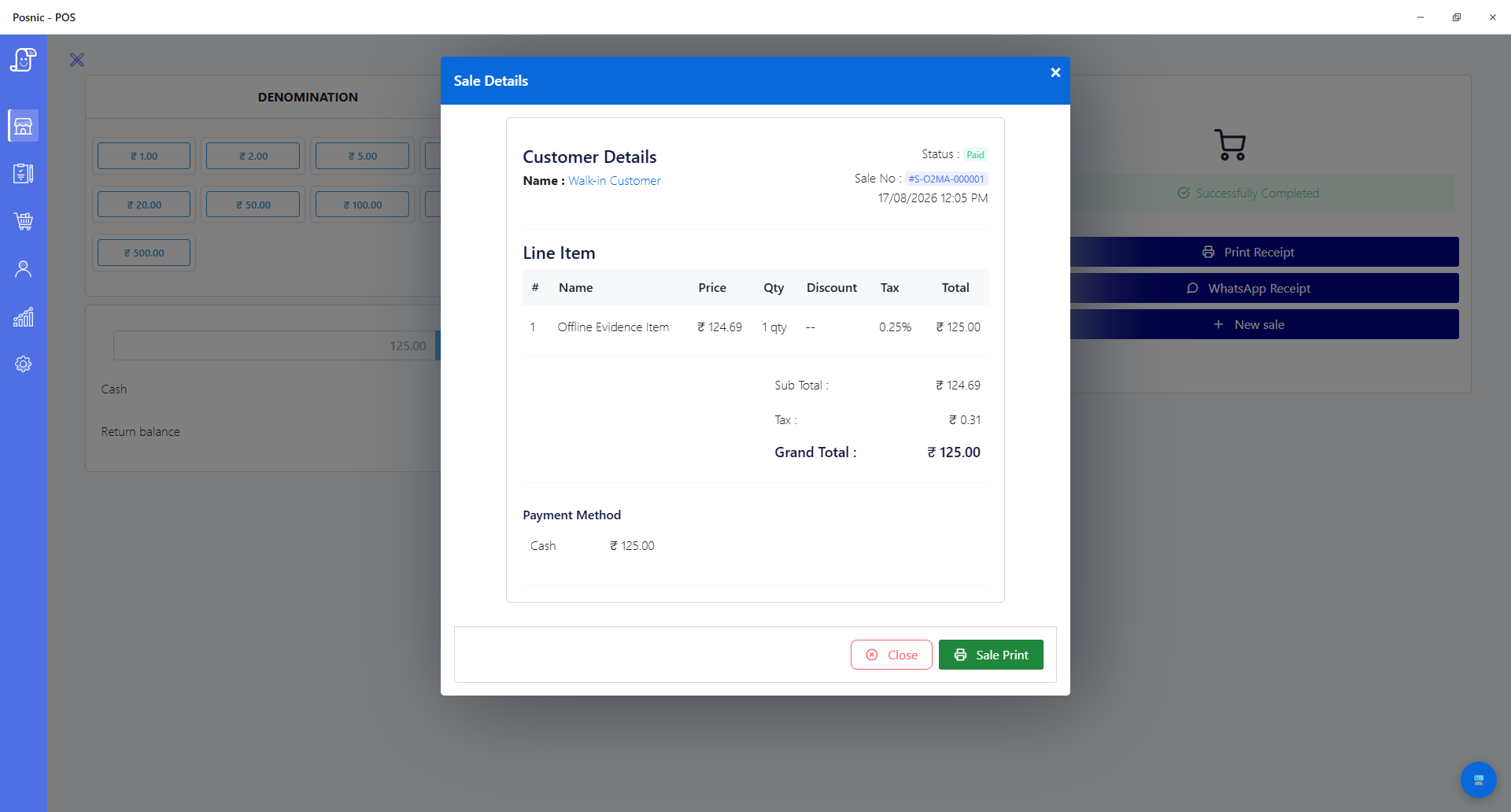
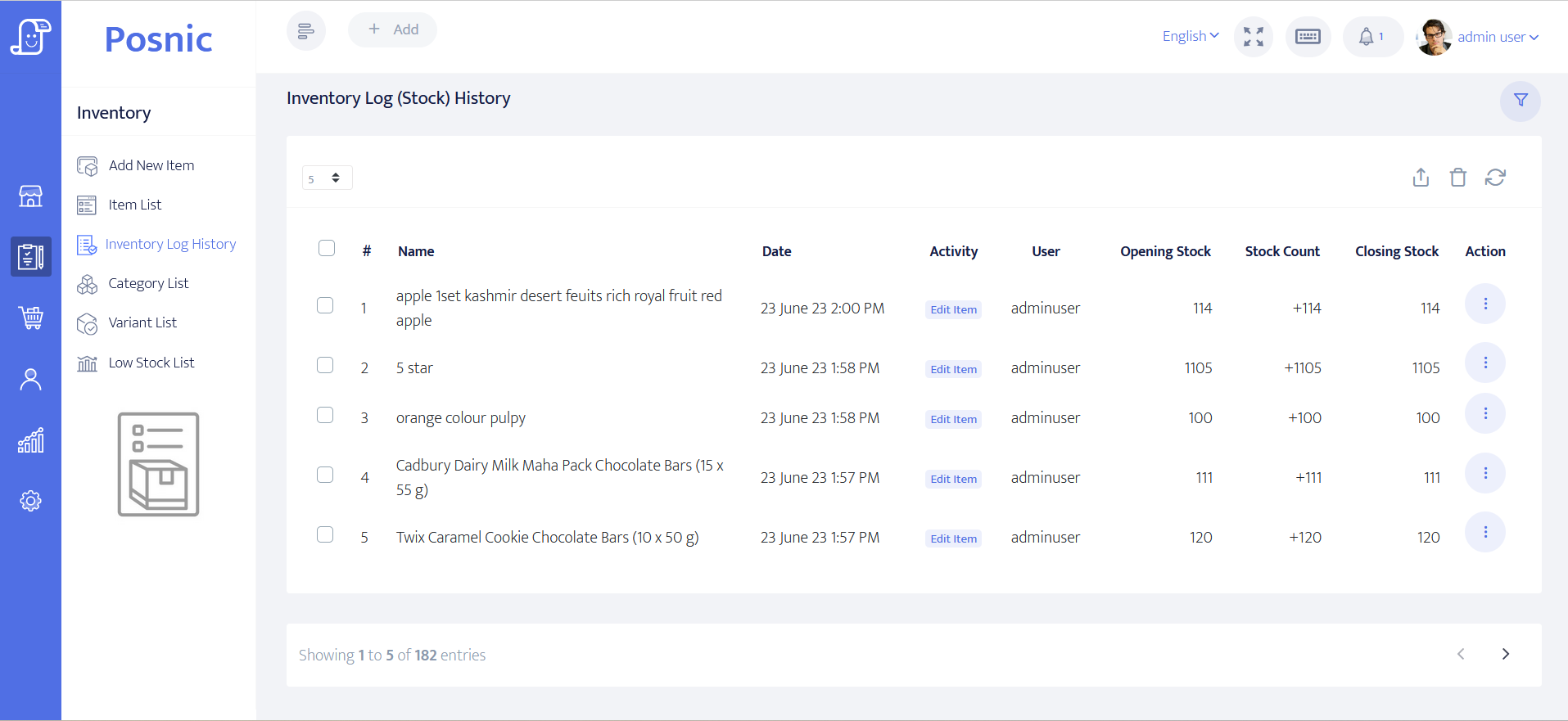
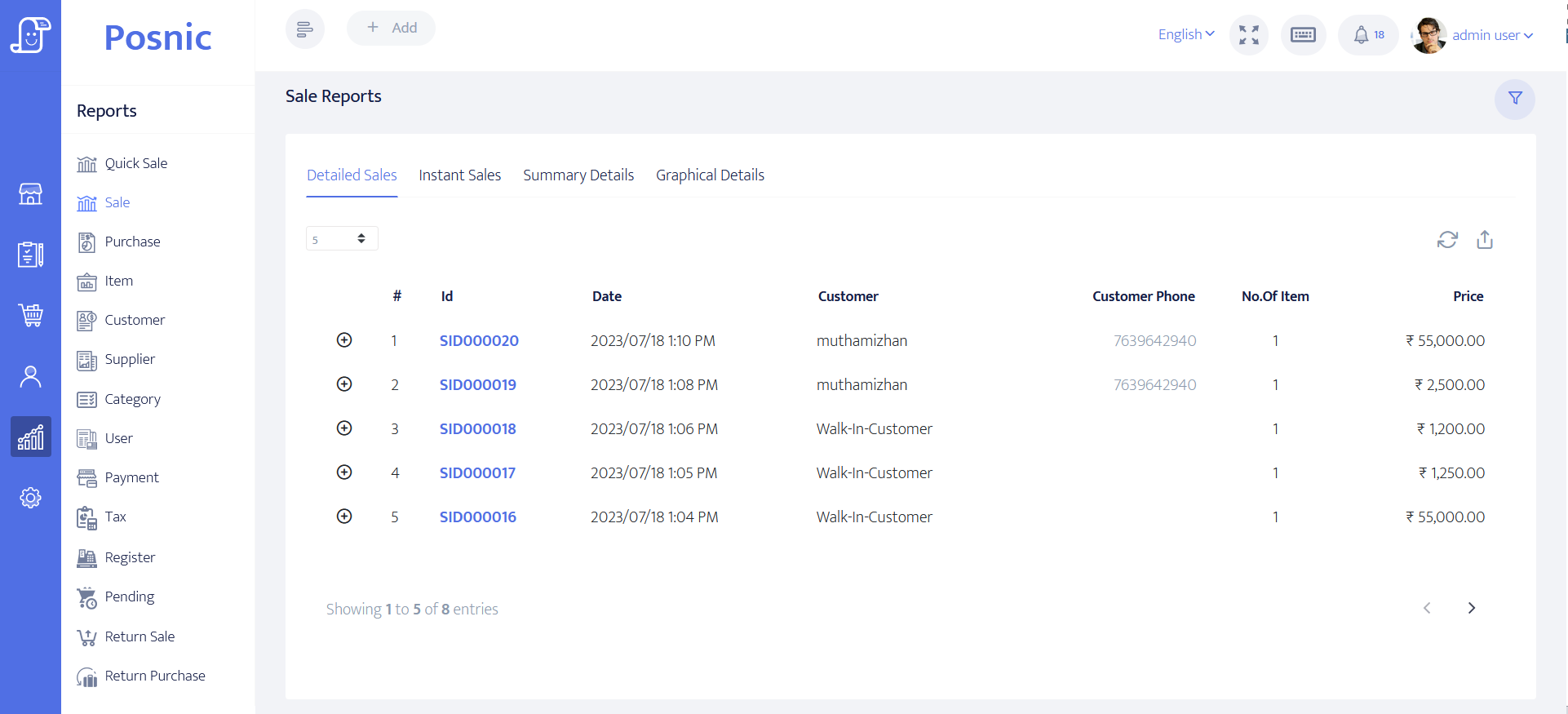
Questions buyers ask
What is the best POS system for a small business?
There is no universal winner. The best fit is the candidate that passes the business's mandatory counter, payment, inventory, hardware, outage, recovery, data-exit and cost controls. Treat publisher rankings, including a Posnic page about Posnic, as inputs rather than acceptance evidence.
How much does a small-business POS system cost?
Add software, hardware, setup, training, support, payment processing, add-ons, connectivity, renewal and exit costs for the expected transaction volume and contract period. The advertised monthly software price is not the complete cost.
Can free POS software be enough for a small shop?
Yes, when the required workflows and ownership model are simple and the business can operate updates, backup, restore, hardware and support responsibly. Free software does not make payment processing, devices, setup, recovery or staff time free.
Does offline POS mean every feature works without internet?
No. Test each task separately. Local checkout may continue while card authorization, hosted ordering, remote dashboards, support, updates or cloud sync still require a network.
Does PCI DSS apply to a small merchant?
PCI SSC says PCI DSS is intended for merchants involved in payment processing regardless of size or transaction volume. The acquirer or payment brand determines validation and reporting requirements for the merchant.
Will any POS printer or barcode scanner work?
Do not assume it will. Match the operating system, interface, driver, protocol, paper or barcode format and workflow, then test the exact model and failure path before rollout.
Primary sources used
Posnic counter-session evidence
The machine-readable artifact preserves the pinned source, scenario, 49 checks, stock and sales reconciliation, register result and limitations used here.
Posnic packaged backup evidence
The artifact identifies the exact Windows portable package, backup format, collection and document counts, restore result, mutation check, path tests and limitations.
NIST CSF 2.0 for small business
NIST's small-business quick-start material organizes cybersecurity risk work across Govern, Identify, Protect, Detect, Respond and Recover.
PCI SSC small-merchant guidance
PCI SSC states that PCI DSS is intended for merchants regardless of size or transaction volume and directs validation questions to the acquirer or payment brand.
GS1 retail POS barcode guideline
GS1's current implementation guideline covers retail POS barcode choices, GTIN handling, scanners, syntax, print quality and the transition to 2D barcodes.
CISA small-business resources
CISA collects practical small-business guidance for authentication, software updates, backups and operational resilience.